What Inputs Are Required to Build a 3D Product Configurator?
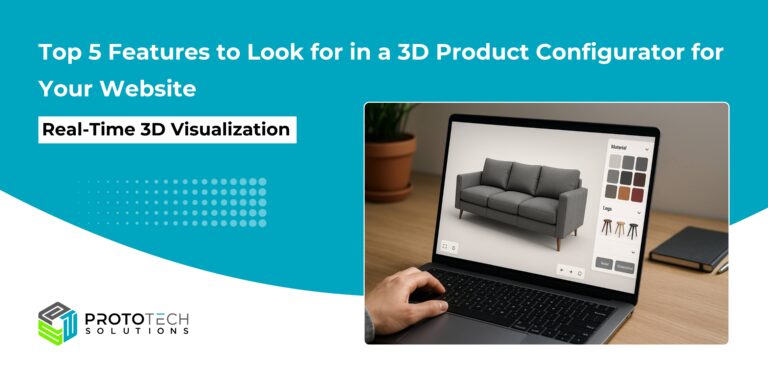
In today’s competitive digital landscape, static product images are no longer enough to engage modern buyers. Customers expect interactive, personalized experiences that help them visualize products before making a purchase. This is where a 3D product configurator becomes a powerful tool, allowing users to customize products in real time and see exactly what they are buying.
However, building a high-performing 3D configurator goes far beyond simply creating a 3D model. It requires a well-structured combination of product data, advanced visualization assets, intelligent business logic, and seamless system integrations.
At ProtoTech Solutions, we bring years of expertise in developing scalable, fully integrated 3D configurators for industries such as manufacturing, furniture, and e-commerce. Our experience has shown that the success of any configurator depends heavily on the quality and clarity of inputs provided at the initial stage.
In this blog, we will walk you through the essential inputs we require from our clients to design, develop, and deploy a robust, interactive, and conversion-driven 3D product configurator.
1. Product & Business Inputs
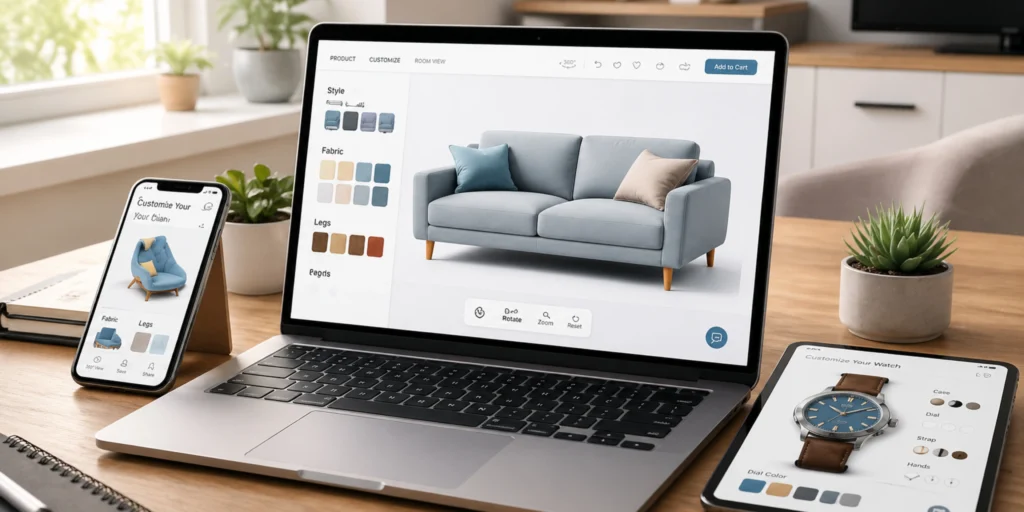
The foundation of any 3D configurator starts with a clear understanding of the product and how it can be customized.
Product Details
First, you need to define which product (or products) will be configurable. This could range from furniture and bicycles to industrial machinery or jewelry. Each product type will have different levels of complexity and customization.
Configurable Parameters
These are the options users can modify. Common parameters include:
- Dimensions (size, height, width)
- Materials (wood, metal, fabric)
- Colors and finishes
- Components or add-ons (accessories, parts)
Clearly defining these parameters ensures users can interact meaningfully with the product.
Rules and Logic
Not all combinations of options are valid. That’s where configuration rules come in. These rules define:
- Compatible and incompatible options
- Minimum and maximum limits
- Conditional logic (e.g., selecting a premium material enables additional finishes)
This layer is critical to prevent invalid configurations and guide users toward feasible product combinations.
Pricing and Cost Rules
A 3D configurator isn’t just about visualization; it must also reflect accurate pricing. This includes:
- Base product price
- Additional costs for selected options
- Discounts or bundled pricing
- Dynamic pricing updates in real time
Advanced systems often use CPQ (Configure, Price, Quote) logic to automate this process and ensure pricing accuracy.
2. 3D Models, Visuals, and UX Inputs
Once the product structure is defined, the next step is to bring it to life visually and create an engaging user experience.
Source 3D/CAD Data
High-quality 3D models are the backbone of any configurator. These models typically come from CAD files, such as:
- GLTF/GLB (preferred for web performance)
- OBJ
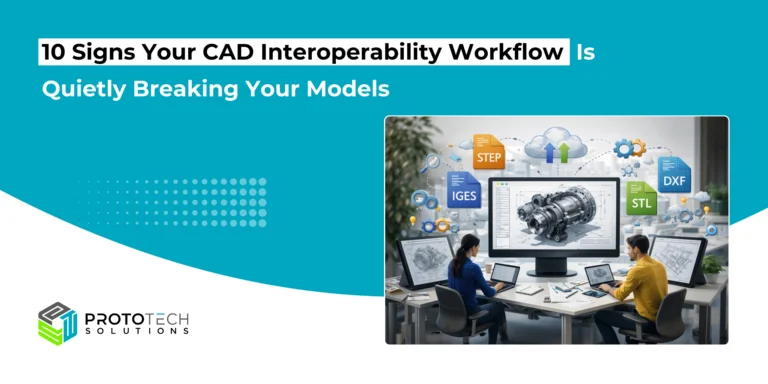
- STEP or IGES (often converted into web-friendly formats)
Optimized models ensure smooth rendering and fast loading times across devices.
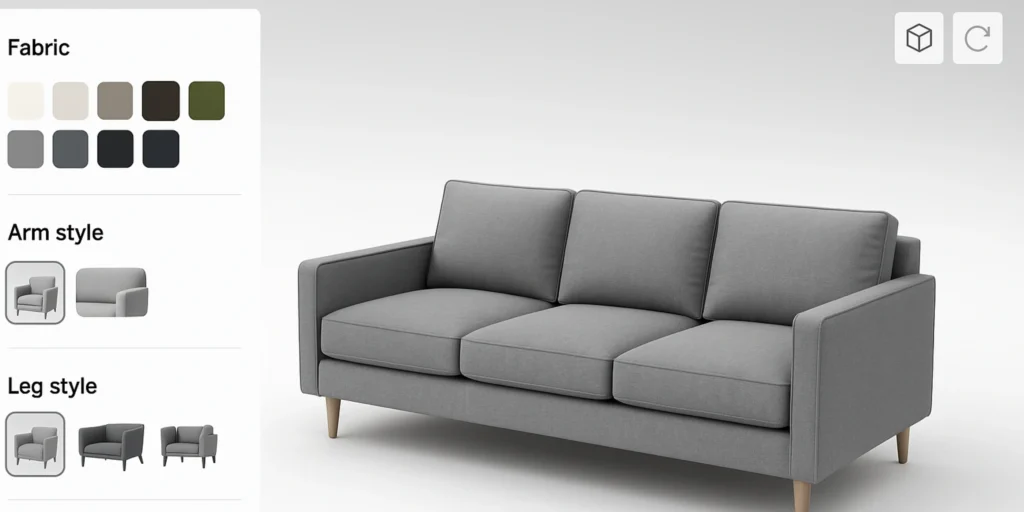
Materials, Textures, and Appearance
To make the product look realistic, you’ll need:
- Material definitions (e.g., leather, steel, plastic)
- Texture maps and finishes
- Color references (such as RAL or Pantone codes)
These elements allow users to see accurate visual representations of their selected configurations.
UI/UX and Branding
A well-designed interface is essential for usability and conversions. Key inputs include:
- Brand guidelines (colors, fonts, styles)
- Layout preferences
- Camera controls (rotate, zoom, pan)
- Step-by-step workflows (e.g., select size → choose color → add accessories)
You may also decide whether to include advanced features like 2D drawings, augmented reality (AR), or virtual reality (VR) for a more immersive experience.
3. Turning Inputs into Intelligence
The final stage involves connecting all inputs into a functional system that delivers a seamless and intelligent experience.
Target Platforms and Devices
Define where the configurator will be used:
- Web (desktop and mobile browsers)
- Mobile apps
- Tablets or kiosks
- Embedded in existing e-commerce platforms
This helps determine performance requirements and design considerations.
Backend and Data Systems
A configurator often needs to interact with backend systems such as:
- ERP (Enterprise Resource Planning)
- CRM (Customer Relationship Management)
- PLM (Product Lifecycle Management)
- Product databases
Data formats like JSON, XML, or Excel may be used to exchange information between systems.
Integration Needs
To make the configurator truly valuable, it should integrate with business workflows. Common integrations include:
- Generating bills of materials (BOMs)
- Producing CAD outputs
- Creating instant quotes
- Placing orders directly into e-commerce or ERP systems
These integrations streamline operations and reduce manual effort.
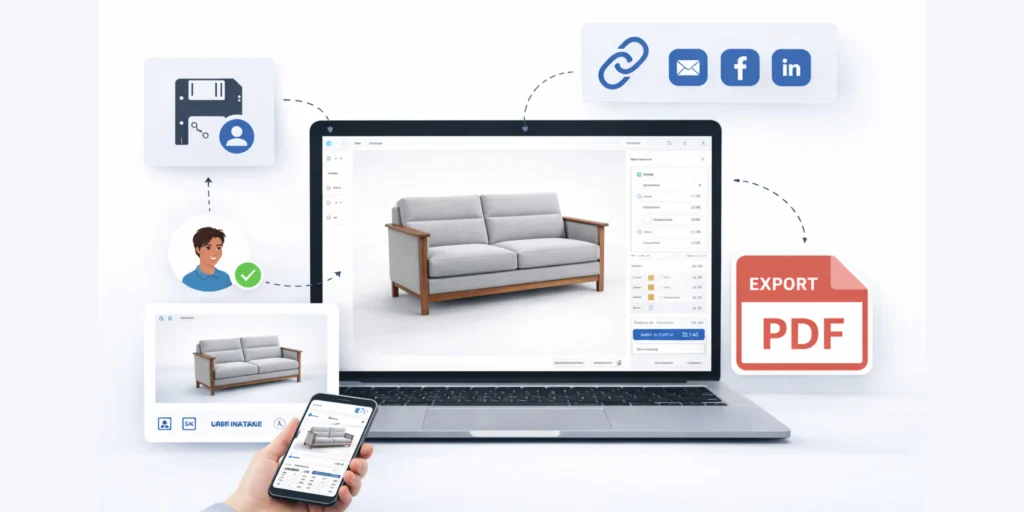
Export and Sharing Options
Modern users expect flexibility. A robust configurator should allow users to:
- Save their configurations
- Share them via links
- Export details as PDFs or images
These features enhance user engagement and make it easier for customers to collaborate or revisit their choices.
From Inputs to Integration
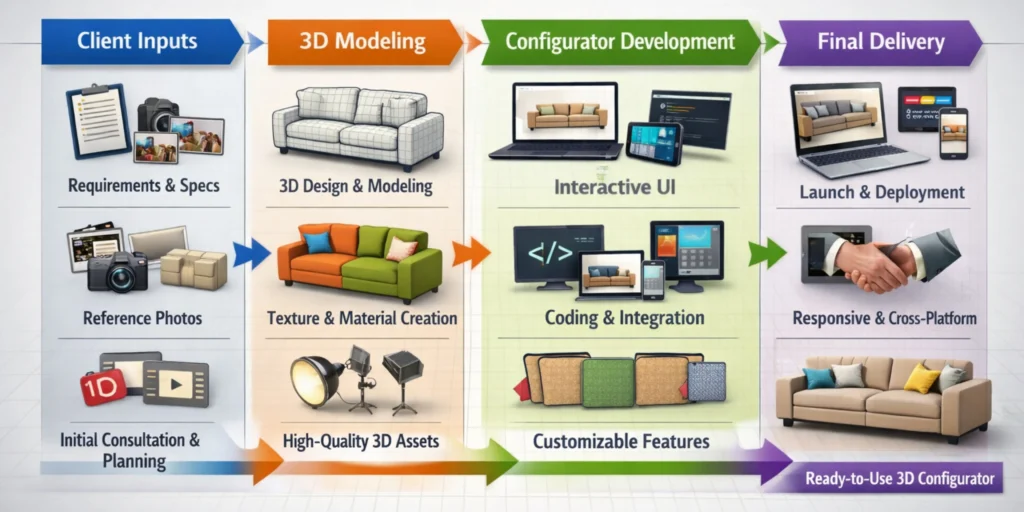
Once all the required inputs are gathered—from product specifications and configurable parameters to 3D assets and business logic—the real transformation begins. This is where structured data is turned into a powerful, fully functional 3D configurator that delivers both visual accuracy and intelligent interactivity.
At ProtoTech Solutions, our process starts with carefully structuring and validating the inputs provided by the client. We analyze product data, configuration rules, and pricing logic in detail, transforming them into configuration-ready formats. This includes developing robust configuration files that define how each option behaves, interacts with other selections, and updates dynamically in real time.
Based on these inputs, we build and deploy a scalable configuration engine and seamlessly integrate the configurator into the client’s website or application. This integration ensures alignment with existing systems, branding, and user workflows, while also enabling advanced capabilities such as real-time pricing, automated outputs, and system connectivity.
If you are looking for expert guidance or planning to build a 3D configurator for your business, connect with our team today to explore how we can help you turn your ideas into an interactive digital experience.