10 Best Practices for Managing Large CAD Libraries
Introduction
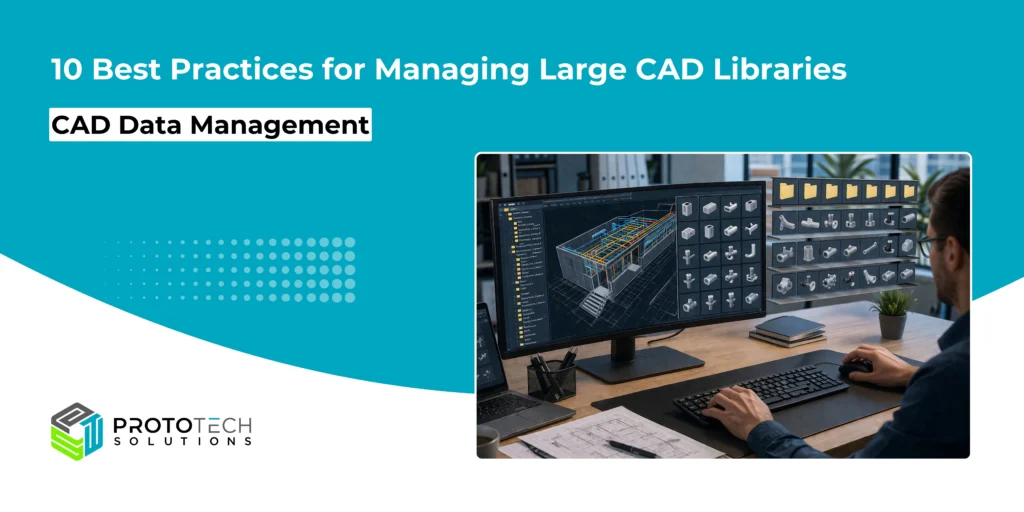
Managing large CAD libraries is a critical challenge for modern engineering, architecture, and construction teams. As projects grow in scale and complexity, so does the volume of CAD blocks, components, and design data. Without proper CAD library management, teams risk inefficiencies, duplication, and costly errors.
Consider a large architecture firm managing thousands of CAD blocks across multiple projects. Without standardized naming or version control, designers often reuse outdated components, leading to inconsistencies in drawings.
By implementing structured CAD library management, standard naming, centralized access, and regular audits, the firm reduced design errors by over 30% and significantly improved project turnaround times.
For CAD managers, BIM managers, and engineering teams, adopting structured and scalable approaches to CAD block management is essential. Below are 10 proven best practices to help you effectively manage large CAD libraries while maintaining performance, consistency, and collaboration.
10 Practical and Actionable Best Practices
1. Establish Standardized Naming Conventions
A consistent naming convention is the foundation of effective CAD library management. Without it, searching and organizing files becomes chaotic.
Best practices:
- Use descriptive and logical names (e.g., Door_Single_900mm)
- Avoid abbreviations unless standardized
- Include version or category identifiers when needed
This ensures that every team member can quickly locate and understand assets without confusion.
2. Organize a Clear Folder Structure
A well-defined folder hierarchy improves navigation and reduces time spent searching for files.
Recommended structure:
- Discipline-based (Architecture, Electrical, Mechanical)
- Category-based (Doors, Windows, Fixtures)
- Project-specific vs. global libraries
Keep the structure intuitive and consistent across teams to simplify access and maintenance.
3. Implement Version Control
Version control is essential when multiple users update CAD blocks or libraries.
Key actions:
- Maintain version history for each file
- Use clear version labels (v1.0, v2.1, etc.)
- Archive older versions instead of deleting them
This helps avoid conflicts, ensures traceability, and prevents accidental overwrites.
4. Remove Duplicate and Unused Blocks
Over time, CAD libraries accumulate redundant and obsolete files, which impact performance and usability.
Steps to follow:
- Identify duplicate blocks regularly
- Remove unused or outdated elements
- Consolidate similar assets
Cleaner libraries improve system speed and make CAD block management more efficient.
5. Choose Between Centralized and Cloud Libraries
Deciding where your CAD library resides is crucial for accessibility and scalability.
Centralized Libraries:
- Hosted on local servers
- Controlled access
- Suitable for smaller teams
Cloud-Based Libraries:
- Accessible from anywhere
- Ideal for distributed teams
- Easier collaboration and updates
Many organizations adopt hybrid models for flexibility.
6. Use Metadata and Tagging
Metadata enhances searchability and organization within large CAD libraries.
Examples of metadata:
- Category (Furniture, HVAC, Electrical)
- Material type
- Dimensions or specifications
- Project relevance
Tagging allows users to filter and locate assets quickly, especially in extensive datasets.
7. Define Access Control and Permissions
Not every user should have full control over the CAD library. Proper access control prevents accidental changes and maintains data integrity.
Best practices:
- Assign role-based permissions (Admin, Editor, Viewer)
- Restrict editing rights to authorized personnel
- Monitor changes through audit logs
This ensures accountability and protects critical design assets.
8. Optimize Library Performance
Large CAD libraries can slow down systems if not optimized properly.
Optimization tips:
- Purge unnecessary data within blocks
- Use lightweight geometries
- Compress files where possible
- Avoid overly complex block definitions
Performance optimization directly impacts productivity, especially in large-scale projects.
9. Conduct Regular Audits and Maintenance
Routine audits are essential to keep your CAD library relevant and efficient.
Maintenance checklist:
- Review file usage and relevance
- Update outdated standards
- Ensure compliance with CAD standards and best practices
- Clean up redundant data
Regular maintenance prevents clutter and ensures long-term usability.
10. Enable Strong Team Collaboration Workflows
Effective collaboration is key to managing large CAD libraries across teams and departments.
Strategies:
- Establish clear workflows for adding or updating blocks
- Use shared platforms for real-time collaboration
- Maintain documentation and guidelines
- Conduct periodic training sessions
When everyone follows the same process, consistency and efficiency improve significantly.
Conclusion
Effectively managing large CAD libraries is not just about organization, it’s about enabling smarter, faster, and more reliable design workflows. By adopting these CAD standards and best practices, organizations can significantly improve efficiency, reduce rework, and enhance collaboration across teams.
ProtoTech Solutions brings deep expertise in transforming CAD environments through:
- CAD Customization: Tailored solutions that align with your unique workflows, standards, and project requirements, ensuring consistency across your CAD library management processes.
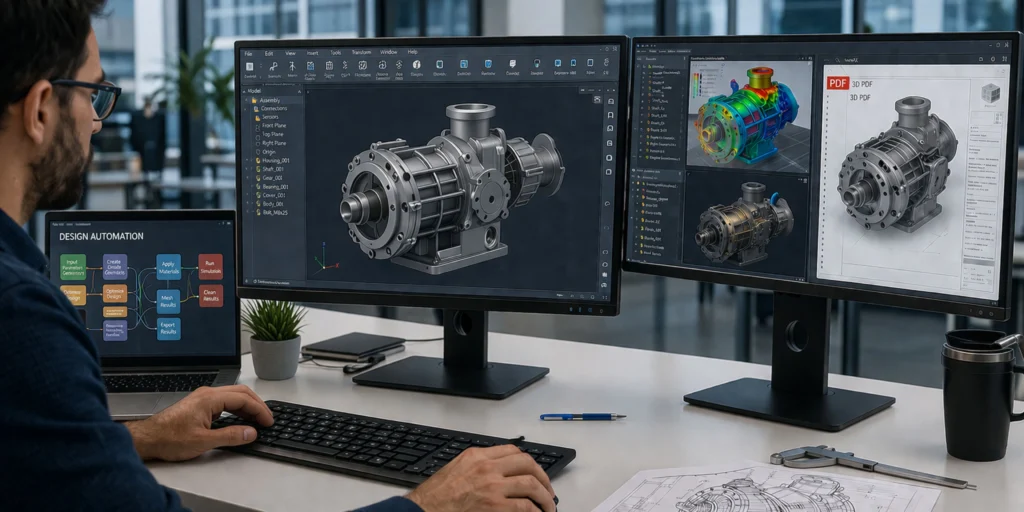
- Design Automation: Develop intelligent automation tools that eliminate repetitive tasks, streamline CAD block management, and accelerate design cycles.
- Visualization & Interoperability: Advanced capabilities, including 3D PDF solutions, that enable seamless data exchange, better design communication, and enhanced collaboration across platforms.
With the right combination of strategy and technology, managing large CAD libraries becomes a competitive advantage rather than a bottleneck.
If you are aiming to modernize your CAD workflows and unlock greater productivity, it’s worth exploring how ProtoTech Solutions can support your journey. Contact us today