Eyeshot vs Open CASCADE: Which CAD Development Technology Is Right for Your Engineering Software?
Building a modern CAD application requires much more than displaying a 3D model on a screen. Engineering software must handle precise geometry, complex assemblies, boundary-representation (B-Rep) topology, CAD file interoperability, interactive visualization, and reliable geometric operations.
Whether you are developing a custom CAD viewer, mechanical design application, architectural design software, manufacturing automation platform, or engineering analysis tool, selecting the right CAD development technology directly influences your software architecture, development effort, performance, and long-term scalability.
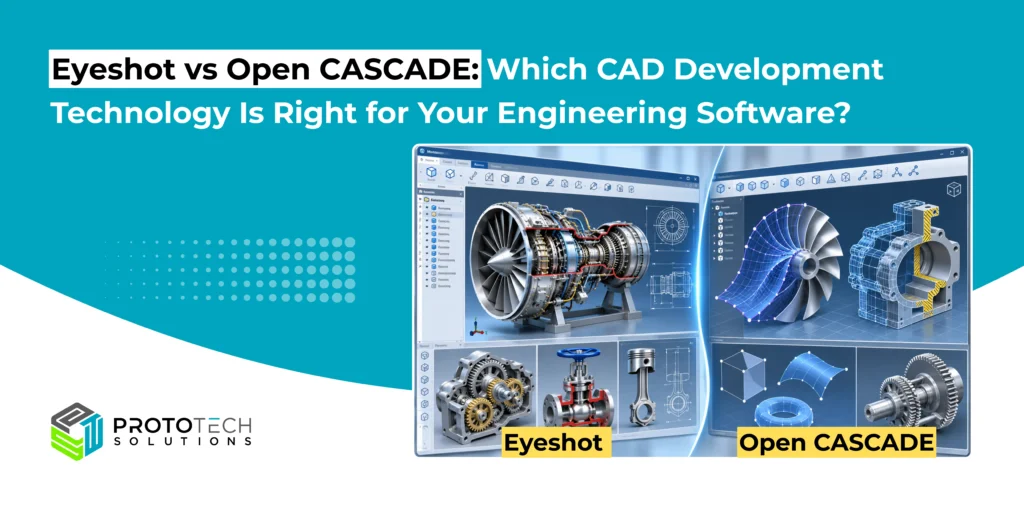
Two established technologies in engineering software development are Eyeshot, developed by devDept, and Open CASCADE Technology (OCCT).
Both support advanced 3D engineering applications, but they differ significantly in architecture, programming environment, deployment strategy, and the level of control they provide developers.
Understanding these differences is essential before committing to either technology.
What Is Eyeshot? A .NET CAD Development SDK
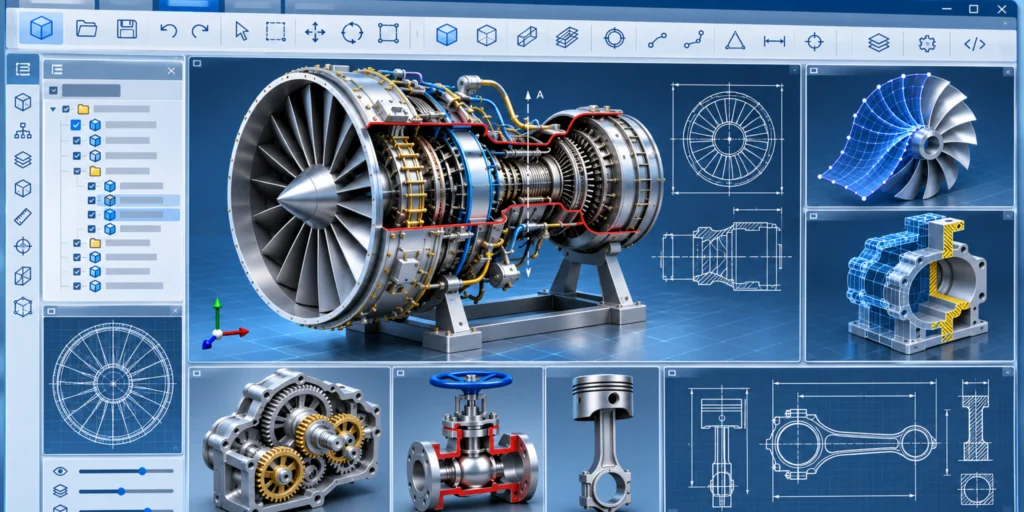
Eyeshot is a commercial CAD software development kit designed for building engineering applications using Microsoft’s .NET ecosystem. It provides native Windows Forms and Windows Presentation Foundation (WPF) controls, together with geometric modeling, drafting, visualization, and engineering functionality.
Rather than requiring developers to implement every CAD interaction from scratch, Eyeshot offers reusable components for model visualization, geometry creation, object selection, and technical drawing generation.
Key Technical Capabilities of Eyeshot
Interactive 3D Visualization: GPU-accelerated rendering through OpenGL and Direct3D, supporting multiple display modes, clipping planes, object selection, and interactive navigation for complex engineering models.
Platform Compatibility: Eyeshot provides native WPF and Windows Forms controls for Windows desktop CAD applications. However, its non-UI .NET core supports cross-platform development, allowing geometry-related functionality to be used independently of its Windows-specific visualization controls. In contrast, Open CASCADE Technology is a cross-platform C++ geometric modeling framework that supports CAD application development on Windows, Linux, and macOS.
Geometric Modeling: Creation and modification of curves, surfaces, solids, polygonal meshes, and B-Rep geometry, depending on the selected Eyeshot edition.
CAD File Interoperability: Import and export capabilities for engineering formats, including DWG/DXF, STEP, IGES, STL, OBJ, IFC, and glTF, depending on the available edition and translators.
Engineering-Specific Functionality: Built-in capabilities for hidden-line removal, sectioning, dimensioning, collision detection, assembly management, and geometric constraint solving.
Large-Model Handling: Performance optimization techniques such as progressive drawing, frustum culling, small-object culling, and lazy loading to support visualization and interaction with complex CAD assemblies.
For C# and .NET development teams, Eyeshot’s key advantage is its integrated development environment, combining geometric modeling, CAD visualization, and ready-to-use Windows desktop controls. This makes it particularly suitable for building interactive CAD viewers, engineering design tools, and custom CAD/CAM/CAE applications within the .NET ecosystem.
What Is Open CASCADE Technology? An Open-Source Geometric Modeling Kernel
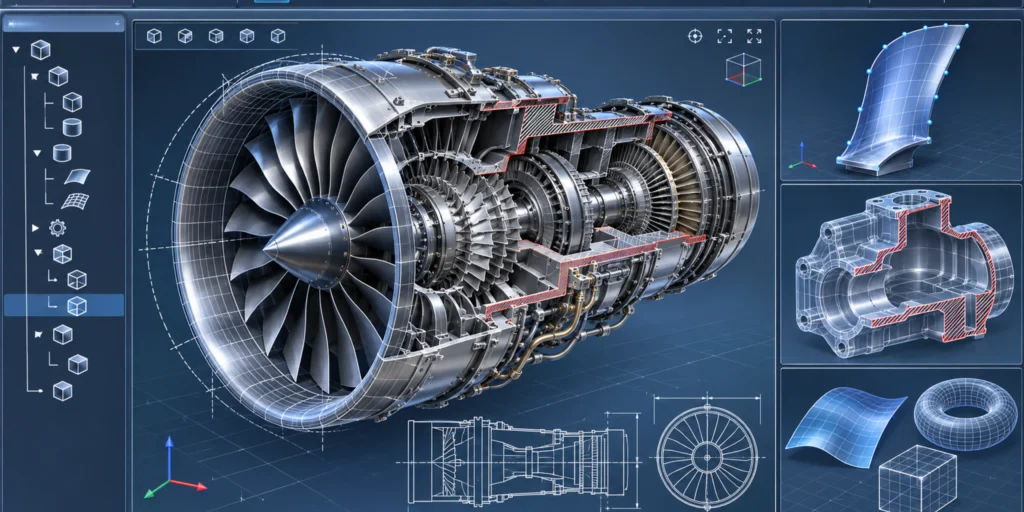
Open CASCADE Technology (OCCT) is an open-source C++ geometric modeling framework distributed under the GNU Lesser General Public License (LGPL) version 2.1, with an additional Open CASCADE exception.
It provides comprehensive libraries for precise 3D geometric modeling, boundary representation (B-Rep), CAD data interoperability, visualization, and custom CAD/CAM/CAE application development.
Unlike Eyeshot’s .NET-control-oriented approach, OCCT provides a modular set of low-level and high-level libraries that developers integrate into their own software architecture.
Its core strength lies in managing precise CAD geometry and topology while providing algorithms for constructing, modifying, validating, and exchanging engineering models.
OCCT is primarily implemented in C++ and can be integrated into applications developed for multiple operating systems.
Key technical capabilities of Open CASCADE
Precise B-Rep modeling: Representation of solids through topological vertices, edges, wires, faces, shells, and solids linked to underlying geometric curves and surfaces.
Advanced modeling algorithms: Geometric Boolean operations, shape construction, intersections, filleting, chamfering, and offset operations.
Shape validation and healing: Detection and correction of certain topology or geometry inconsistencies encountered during CAD import and modeling.
CAD assembly data management: Extended Data Exchange (XDE) functionality for preserving product structures, names, colors, and supported engineering attributes.
Application-level extensibility: Developers can create specialized geometric workflows, custom algorithms, and application data models around the OCCT kernel.
Open CASCADE is particularly suitable when geometric computation, kernel-level customization, or cross-platform C++ architecture is central to the application.
Eyeshot vs Open CASCADE: Technical Comparison
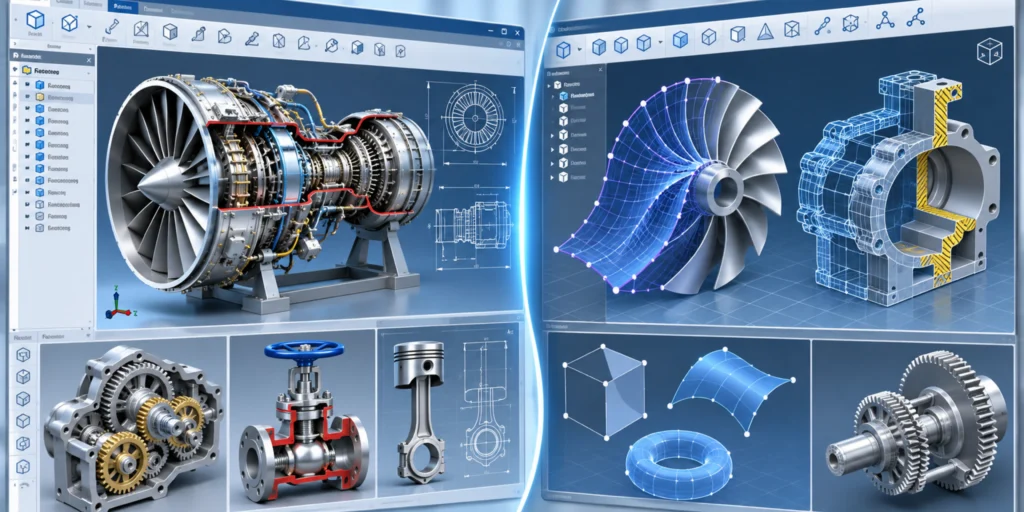
Although both technologies can support CAD/CAM/CAE application development, their architectural priorities are different.
| Evaluation criteria | Eyeshot | Open CASCADE |
| Primary technology | Commercial .NET CAD SDK | Open-source C++ CAD kernel and libraries |
| Main development languages | C#, VB.NET | C++; other languages through wrappers |
| Desktop UI integration | Native WPF and WinForms controls | Visualization framework; host UI integration required |
| Geometry modeling | Polygonal, NURBS, B-Rep (edition-dependent) | Precise geometric and B-Rep modeling |
| CAD visualization | Integrated CAD workspaces and interaction tools | Visualization APIs and interactive context |
| STEP and IGES | Available in Eyeshot Ultimate | Supported through OCCT data exchange |
| DWG/DXF | Eyeshot translator support | Additional translator/integration may be required |
| Assembly management | Assembly tree and block structures | XDE/OCAF assembly and document structures |
| Platform strategy | Native Windows UI; cross-platform non-UI core | Cross-platform native C++ architecture |
| Typical strength | Integrated .NET engineering applications | Custom CAD kernels and geometry-intensive applications |
Geometric Modeling: How Do Eyeshot and Open CASCADE Differ?
The most important technical consideration is how each technology handles geometry and topology.
Eyeshot: Integrated geometric modeling for .NET applications
Eyeshot supports geometric entities such as lines, circles, curves, polygonal meshes, and, in its Ultimate edition, NURBS surfaces and B-Rep solids.
With these capabilities, developers can build applications that perform operations such as creating solids, modifying geometry, computing intersections, generating sections, and displaying the resulting models.
For example, a manufacturing software application could use Eyeshot to create a mechanical component, apply Boolean subtraction to generate holes, visualize the result, and generate a drawing from the final geometry.
The advantage is that the modeling operations and visualization system are available within a unified .NET development environment.
Open CASCADE: Detailed control over geometry and topology
OCCT provides explicit access to geometric definitions and B-Rep topological relationships.
For example, a B-Rep solid is not merely a collection of triangles. Its topology describes how edges bound faces and how faces form shells and solids. The corresponding geometry defines the underlying curves and surfaces.
OCCT classes commonly used in such workflows include:
- TopoDS_Shape — generic topological shape representation.
- TopoDS_Face — topological face.
- BRepPrimAPI_MakeBox — construction of a box-shaped solid.
- BRepAlgoAPI_Cut — Boolean subtraction.
- BRepBuilderAPI_Sewing — sewing compatible faces into connected topological structures.
- BRepCheck_Analyzer — shape validity checking.
Consider a CAD application that must import STEP models, inspect edge connectivity, validate solid geometry, and identify and repair geometric or topological inconsistencies.
OCCT provides direct access to geometry, topology, and shape-healing algorithms, making it suitable for such specialized engineering workflows.
Technical takeaway: Both technologies support precise modeling. Eyeshot is attractive when .NET integration and built-in application components are priorities. Open CASCADE is attractive when the application requires direct access to and customization of the geometric modeling pipeline.
CAD File Interoperability: Importing and Exporting Engineering Data
CAD interoperability is often one of the most technically demanding requirements in engineering software.
A STEP file may contain much more than a visual representation of a mechanical component. Depending on its application protocol and source data, it can include precise surfaces, topology, assembly relationships, colors, and product information.
Simply importing and rendering the file does not guarantee that all this information has been preserved.
Eyeshot CAD Interoperability
Eyeshot provides integrated translators for a range of engineering formats, including STEP, IGES, DWG/DXF, IFC, STL, and OBJ.
Its translators can reduce the amount of integration work required when developing a .NET desktop application that combines CAD visualization with import/export workflows.
For example, an engineering document viewer may need to import DWG drawings, open STEP assemblies, select individual components, and export visualization data.
Eyeshot offers a consolidated SDK environment for developing this type of workflow.
Open CASCADE CAD interoperability
OCCT provides data exchange functionality including STEPControl_Reader, STEPControl_Writer, and XDE-based interfaces such as STEPCAFControl_Reader.
These support different levels of CAD data exchange.
A basic STEP import might focus on transferring geometric shapes, whereas an XDE-based workflow can also manage supported assembly structures, names, colors, and other product attributes.
This distinction is particularly important when developing CAD translation or manufacturing automation software.
However, developers should not assume OCCT’s open-source distribution includes every proprietary CAD translator. Support for formats such as Parasolid, ACIS, or native CAD formats may require additional commercial components.
Which should you choose? Eyeshot is a practical option when its integrated translator set meets application requirements. Open CASCADE offers greater flexibility for engineering software built around custom import, validation, translation, and geometry-processing pipelines.
3D Visualization and User Interaction
A CAD development SDK must support more than accurate geometry. End users also expect responsive navigation, precise object selection, visual feedback, measurements, and efficient assembly exploration.
Eyeshot: Built-in interaction capabilities
Eyeshot includes preconfigured viewport functionality for CAD applications, with features such as shaded and wireframe rendering, face/edge/vertex selection, clipping, camera navigation, and drawing generation.
Its WPF and WinForms integration allows development teams to focus on engineering workflows rather than first building an entire CAD viewport framework.
This can be particularly valuable for engineering configuration tools, CAD viewers, and drawing automation applications.
Open CASCADE: Customizable visualization infrastructure
OCCT provides the visualization building blocks necessary for developing interactive CAD systems.
Developers can use interfaces such as AIS_InteractiveContext, AIS_Shape, and V3d_View for object presentation, selection, highlighting, and 3D navigation.
However, integrating these capabilities into a polished desktop application requires additional work for UI composition, commands, user interactions, and application-specific behavior.
For teams developing a highly customized engineering platform, that additional implementation effort may be justified by the greater architectural control.
Neither technology should automatically be assumed faster at rendering large assemblies. Actual performance depends on tessellation, scene complexity, assembly instancing, GPU configuration, selection structures, and application implementation.
Development Time, Licensing, and Long-Term Maintenance
Technology selection also influences total engineering effort and ownership costs.
Eyeshot uses a commercial licensing model, with subscription-based development licensing and royalty-free redistribution under the vendor’s applicable terms. Its integrated controls, sample applications, and supported SDK functionality can reduce initial development effort for .NET teams.
Open CASCADE provides source code access under GNU Lesser General Public License (LGPL) version 2.1, with additional exception. This gives development teams flexibility to inspect and modify kernel implementation and maintain custom integrations.
However, open source does not necessarily mean lower overall development cost.
OCCT applications may require additional investment in native C++ engineering, UI integration, deployment, testing, geometric robustness, and ongoing maintenance. Commercial support and specialized components may introduce further costs.
Therefore, the correct evaluation is not simply commercial SDK versus free SDK. It is the total cost of developing, validating, distributing, and maintaining the engineering application.
Which Technology Is Right for Your Engineering Software?
Choose Eyeshot when:
Your application is primarily C#/.NET-based and requires a mature desktop CAD interface, interactive 2D/3D visualization, drawing generation, selection, measurement, or integrated geometry operations. Eyeshot is particularly suitable when rapid integration into WPF or WinForms is a major requirement.
Choose Open CASCADE when:
Your application requires a C++-based geometric modeling foundation, extensive B-Rep processing, specialized topology operations, custom shape healing, geometry-centric automation, or cross-platform native integration. OCCT is especially relevant when developers need control over the modeling algorithms themselves.
Choose the CAD Technology That Matches Your Engineering Requirements

Choosing a CAD development technology is only the first step. Building production-ready engineering software requires expertise in geometric modeling, CAD interoperability, application architecture, and performance optimization.
Eyeshot and Open CASCADE are both capable development technologies, but they serve different architectural priorities.
Eyeshot offers a streamlined approach for building .NET-based CAD applications, combining geometry handling, visualization, drafting, and interaction capabilities within an integrated SDK.
Open CASCADE provides a flexible geometric modeling foundation for applications requiring advanced B-Rep processing, custom geometry algorithms, and native C++ architectural control.
The best technology ultimately depends on your application’s geometry requirements, target platforms, development stack, interoperability needs, and long-term product strategy.
At ProtoTech Solutions, our expertise in both Eyeshot development and Open CASCADE development enables us to help engineering software companies make informed technology decisions and transform complex CAD requirements into scalable, high-performance 3D applications.
Our development capabilities include custom CAD viewers, geometric modeling applications, CAD file import/export workflows, B-Rep geometry processing, interactive engineering tools, and integration with existing software systems.
Planning to develop a custom CAD application? Connect with ProtoTech Solutions to discuss your engineering software development requirements.